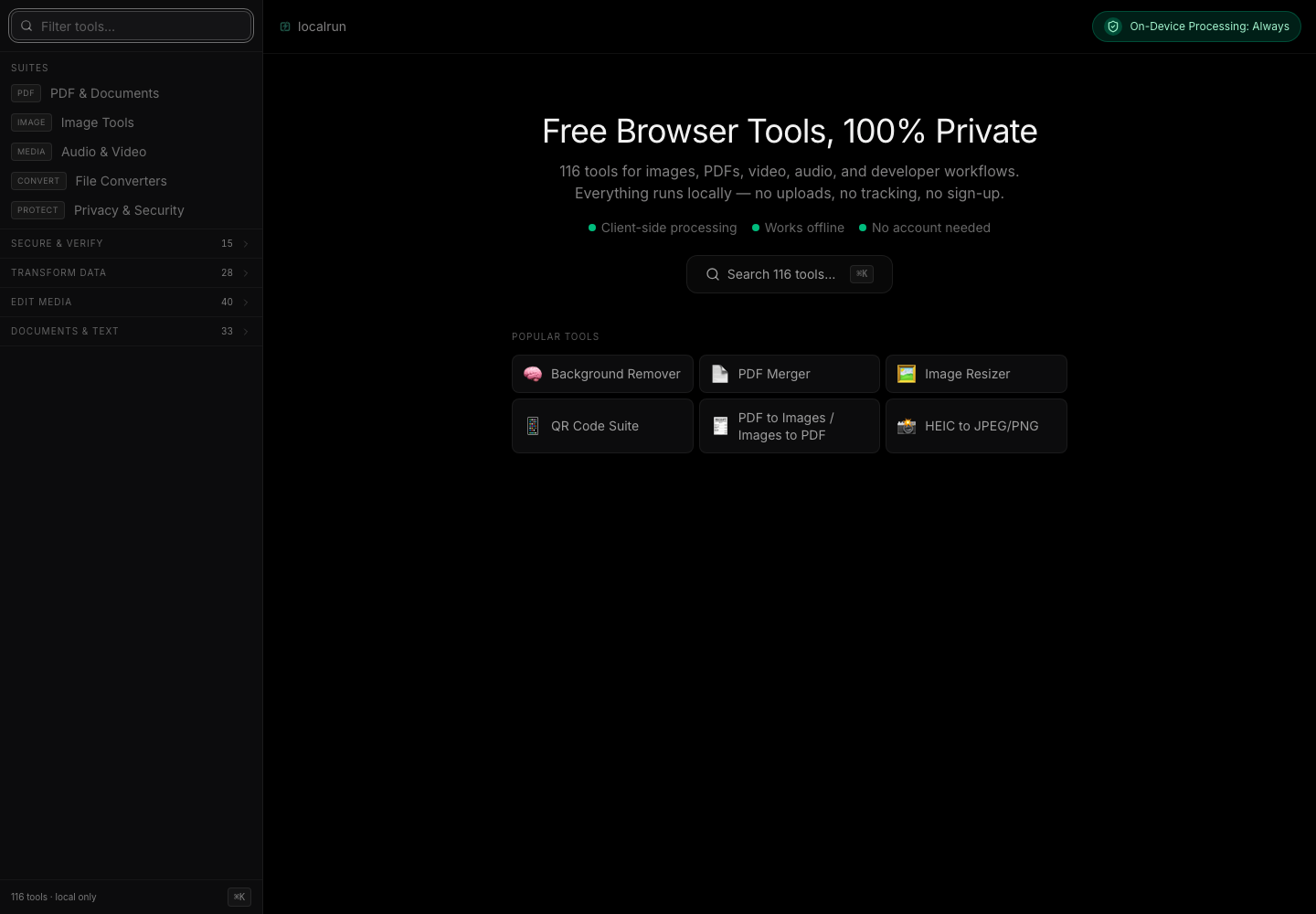
LocalRun is built around a premise: utility tools don’t need a backend, and eliminating the backend eliminates an entire class of problems.
In-Browser ML as an Architectural Stance
Every computation runs on the user’s device. FFmpeg.wasm handles video and audio transcoding; tesseract.js runs OCR; pdf-lib handles PDF manipulation; sql.js runs a full SQLite engine in the browser; @xenova/transformers with onnxruntime-web powers the AI tools — background removal, speech-to-text, text-to-speech. Zero API keys, zero secrets to rotate, zero server to scale, and no external network calls from tool execution beyond browser-local blob: and data: work.
The non-obvious part is making SharedArrayBuffer work. FFmpeg.wasm requires it for multi-threaded decoding, but SharedArrayBuffer is only available in cross-origin isolated contexts. That requires two response headers — Cross-Origin-Opener-Policy: same-origin and Cross-Origin-Embedder-Policy: require-corp — set in both development (vite.config.ts) and production (public/_headers). Missing one can make threaded FFmpeg paths degrade or fail depending on the runtime, which is why isolation headers are treated as product infrastructure rather than deployment detail.
For cancel semantics, each tool creates its own new FFmpeg() instance rather than sharing a singleton. The cost is roughly 50 MB of WASM heap per active tool. The benefit is that calling ffmpeg.terminate() on cancel stops exactly that tool — not every other in-progress conversion. The memory tradeoff is real; the UX correctness is worth it.
Registry as the Scalability Lever
116 tools in a single-page application create a maintenance surface problem that compounds fast. The solution is treating the tool registry as the sole source of truth and building enforcement into CI. Every tool lives in exactly three places: the tools[] metadata array, the TOOL_COMPONENTS lazy-import map, and the toolLoaders preload map. A check-tool-consistency.mjs script fails the build if any tool is missing from any of the three.
Bundle size is enforced the same way. check-bundle-size.mjs fails CI if any vendor chunk exceeds its budget — React at 189 KB, Motion at 120 KB, the PDF library at 813 KB, the AI runtime at 1587 KB. These aren’t aspirational targets; they’re build failures. Adding a dependency that pushes a chunk over budget blocks the merge.
Each tool gets a unique URL via React Router v7 lazy-loaded routes, its own crawlable meta tags via a shared ToolSEO component reading from the registry, and a slot in a build-time sitemap covering all 117 URLs. The registry does the work once; there are no per-tool files to maintain as the catalog grows.